
How to Set Up Your First AI Showroom in Under 10 Minutes
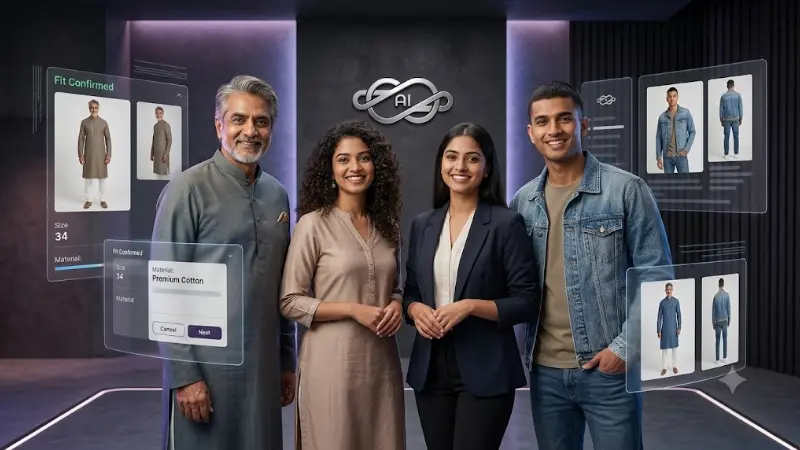
Are you an Indian e-commerce seller looking to start a clothing brand, but intimidated by the high costs of professional photography and model hiring? What if you could launch a fully functional, highly professional online storefront complete with high-quality model images in just minutes?
With Easyfit AI (v3.10.0), you can do exactly that. Trusted by over 100 Indian sellers, our platform brings the power of Google's Gemini AI directly into your hands, allowing you to create a beautiful, SEO-optimized AI Showroom without a single manual photoshoot. Here is how you can set it up in under 10 minutes.
Step 1: Create Your Store Account
Getting started is as simple as downloading the Easyfit AI Flutter mobile app (available for Android and iOS) or using our web portal. Sign in securely using Google or Apple authentication. In just a few taps, you can set up your unique storeID and define your basic showroom settings, including your company name, logo, address, and contact details.
Step 2: Customize Your E-Commerce Storefront
Your brand deserves a unique identity. Easyfit AI provides a multi-tenant architecture where your store gets its own dedicated Next.js 16 storefront (accessible via a shared domain like shop.easyfitwearai.com/{storeID} or your own custom domain).
You can personalize the look and feel by choosing from professionally designed template variants such as Basic, Showroom, Almond, or Reno. Configure your payment gateways (Razorpay or PhonePe) and set up your delivery integration with Shiprocket right from your dashboard.
Step 3: Use the AI-Studio to Generate Product Images
This is where the magic happens. Instead of booking a studio, simply take a flat-lay or hanger photo of your garment (saree, kurthi, gown, etc.). Head over to the AI-Studio in your app (as seen in the provided UI walkthrough: image_4e8f8f.png).
Using the powerful AI Trial Room, you can generate professional listings instantly:
- Cloth On Me: Upload your garment image and an image of a person. The AI seamlessly drapes the garment onto the person, perfectly capturing fabric texture, shadows, and fit while keeping the original background and identity intact.
- My Face In Model Body: Take your face and place it realistically onto an AI model’s body wearing the garment, matching skin tone and lighting automatically.
As shown in image_4e8f8f.png, the AI-Studio lets you easily select parameters like model gender, age, skin tone (e.g., Wheatish), and lighting setup (e.g., Day Light). Generating an image consumes just 1 credit, taking less than 30 seconds!
Step 4: Publish and Start Selling
Once you generate your high-quality AI images, you can instantly turn them into an active product listing with variations for size and color. Your customers can browse your SEO-optimized storefront, use the very same AI Trial Room to try clothes on themselves before buying, and check out smoothly.
Whenever a customer places an order, you will receive real-time notifications, automated WhatsApp alerts, and email confirmations to ensure seamless fulfillment.
Conclusion
Building an online clothing store doesn't have to be a resource-draining marathon. By leveraging the comprehensive ecosystem of Easyfit AI—from the mobile admin app to the customer-facing Next.js storefront—you can have a professional, AI-powered e-commerce brand up and running while you sip your morning tea.
Ready to take action?
Start implementing the exact methods outlined in this guide.
Launch Your AI Showroom Today - Only ₹599/month!